FAQs
Why should I use Repeat Maker instead of other tools?
Repeat Maker is designed specifically for creating clean, repeat layouts, not as one feature among many. Every detail is built to produce balanced, print-ready results with precise control over size, spacing, and layout. It functions as a layout engine, not just a simple grid tool, and is validated against real printer templates to ensure consistent, print-safe output. Created by a professional designer, it focuses on doing one thing exceptionally well.
Are downloads print-ready?
Large format downloads include a standard 0.125" bleed and are inset to keep artwork safely away from trim edges. Print-at-home sizes like 8.5" × 11" and 11" × 17" are exported at exact dimensions without bleed.
What download options are available?
Quick Preview is a free, low-resolution, watermarked PNG for review. Standard Print is a paid PNG for smaller layouts. Large Format is a paid PNG for banners, backdrops, and oversized print use.
What size is Standard Print for smaller prints?
Standard Print is intended for smaller layouts up to 24 × 36 inches. If your canvas is larger than that, choose Large Format.
What size is Large Format for banners and backdrops?
Large Format is intended for oversized layouts larger than 24 × 36 inches, including step and repeat backdrops, sponsor walls, and other event signage.
What file types can I upload?
SVG, PNG, and JPG files are supported. Transparent PNG and SVG files are recommended for the cleanest results. JPG and standard PNG files may include background color. EPS files should be converted to SVG before uploading.
What file format does Repeat Maker export?
Repeat Maker exports PNG files designed for previewing, standard print, and large format output.
Is PNG good enough for large prints?
Yes. Large Format exports are designed for banner, backdrop, and step and repeat printing workflows, and most large-format printers accept high-resolution PNG files.
Are exports CMYK or RGB?
Exports are RGB PNG files. Most large-format and digital printers accept RGB files and handle color conversion automatically. For critical color matching, check with your printer before production.
Will my logos be resized automatically?
No. Image sizes remain fixed. You control logo size and spacing exactly.
What size should my logos be for step and repeat banners?
Most step and repeat logos are between 6 and 10 inches wide depending on backdrop size.
Use smaller logos (6–7 inches) for tighter, fuller layouts, and larger logos (8–10 inches)
for a cleaner, more prominent look in photos. For an 8 ft backdrop, starting around 7–8 inches
is a safe, balanced option.
What if I have more than one logo?
You can upload a primary and secondary image to alternate logos automatically. The second image defaults smaller, so adjust widths and vertical spacing to balance the layout. For additional logos, create separate patterns and combine them after downloading.
How many logos should I use per row?
Choosing the right layout depends on backdrop size, logo scale, and spacing. Use our sizing guide to find recommended layouts for each backdrop size.
→ View our step and repeat sizing guide
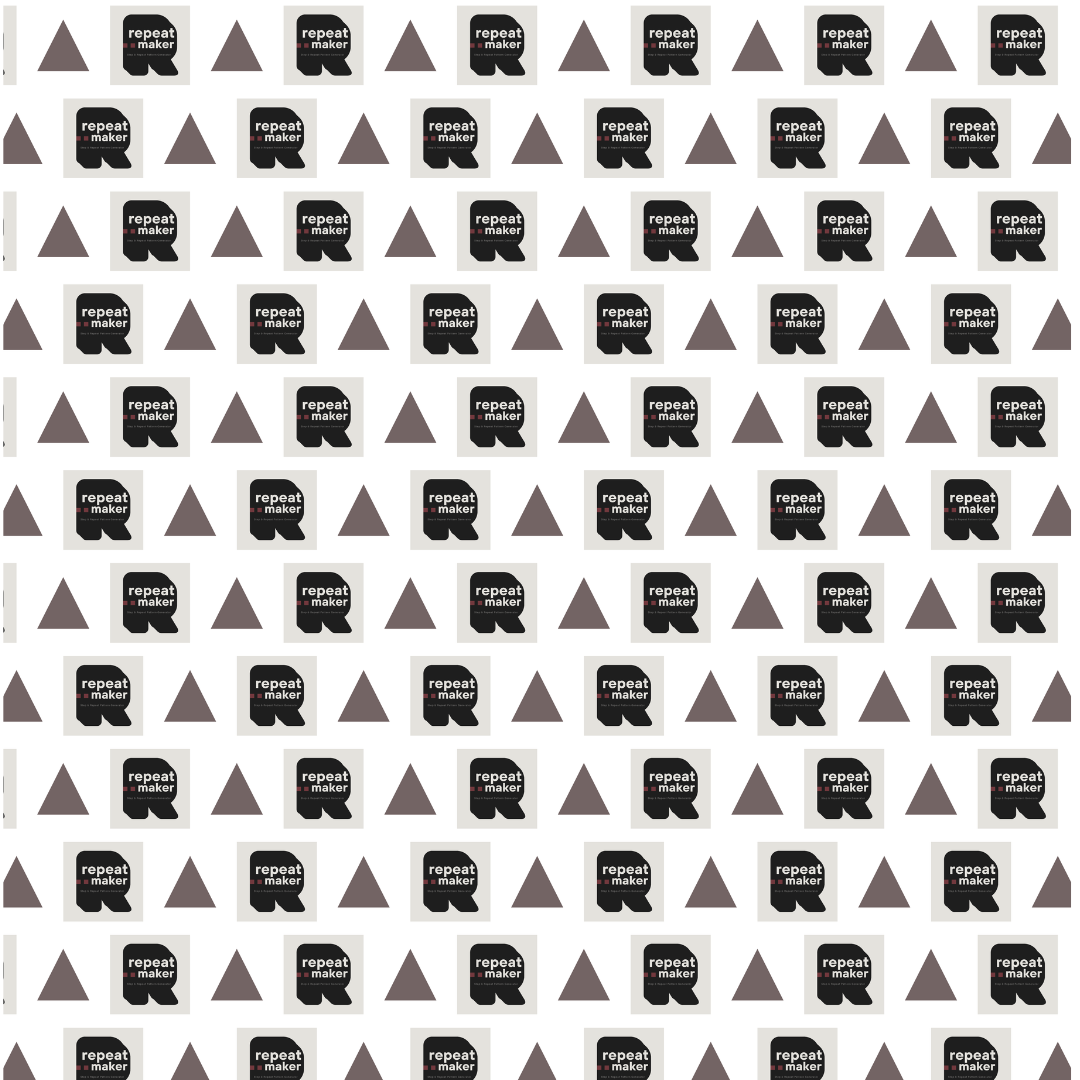
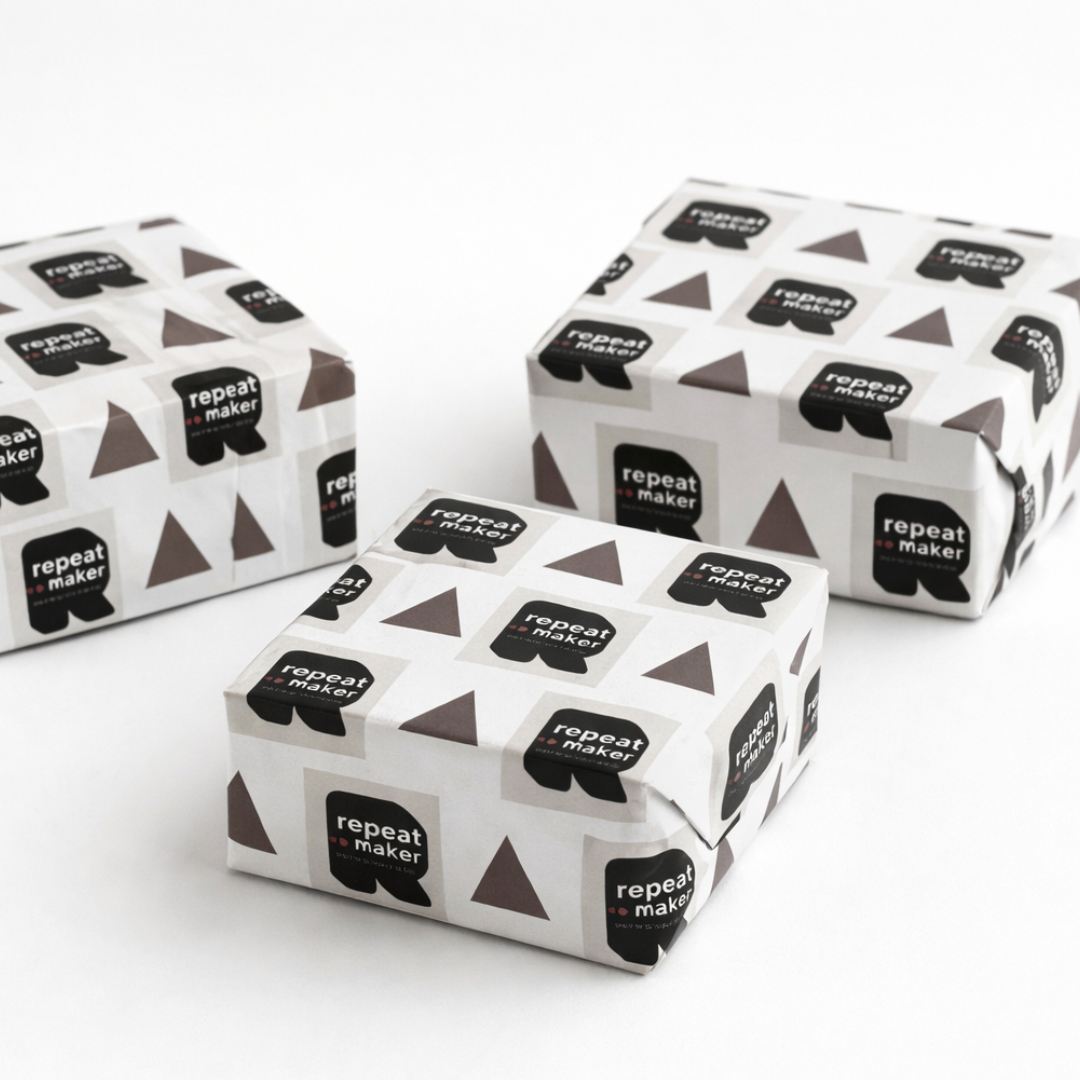
Can I create custom wrapping paper patterns?
Yes. Use tiled or staggered layouts with run-off edges for repeat patterns and gift wrap style designs. For at-home wrapping paper, use lightweight matte paper so it folds easily and doesn’t crack. Standard copy paper (20–24 lb / ~75–90 gsm) works well for most printers. For a slightly more premium feel, try 28 lb (~105 gsm). Avoid heavy cardstock, which is harder to fold and may crack at the seams. If printing professionally, ask for lightweight matte or uncoated paper between 70–100 gsm.
For examples of what you can wrap and which sizes to use, see our sizing guide.
→ View our wrapping paper sizing guide
Can I use this to make labels or sticker sheets?
Yes. Create repeating label layouts for 8.5 × 11 sticker paper and cut them yourself after printing. Pre-cut label templates are not currently supported.
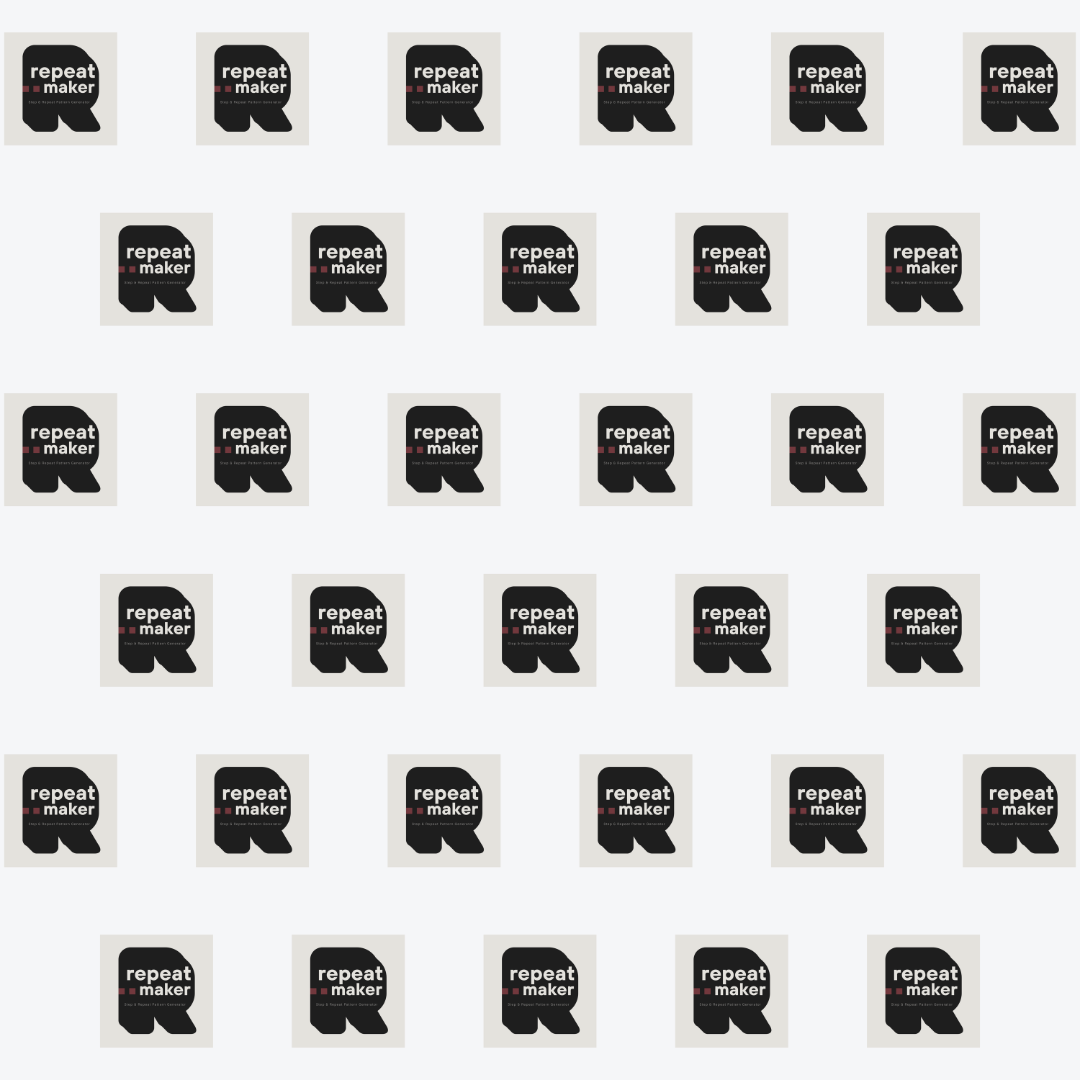
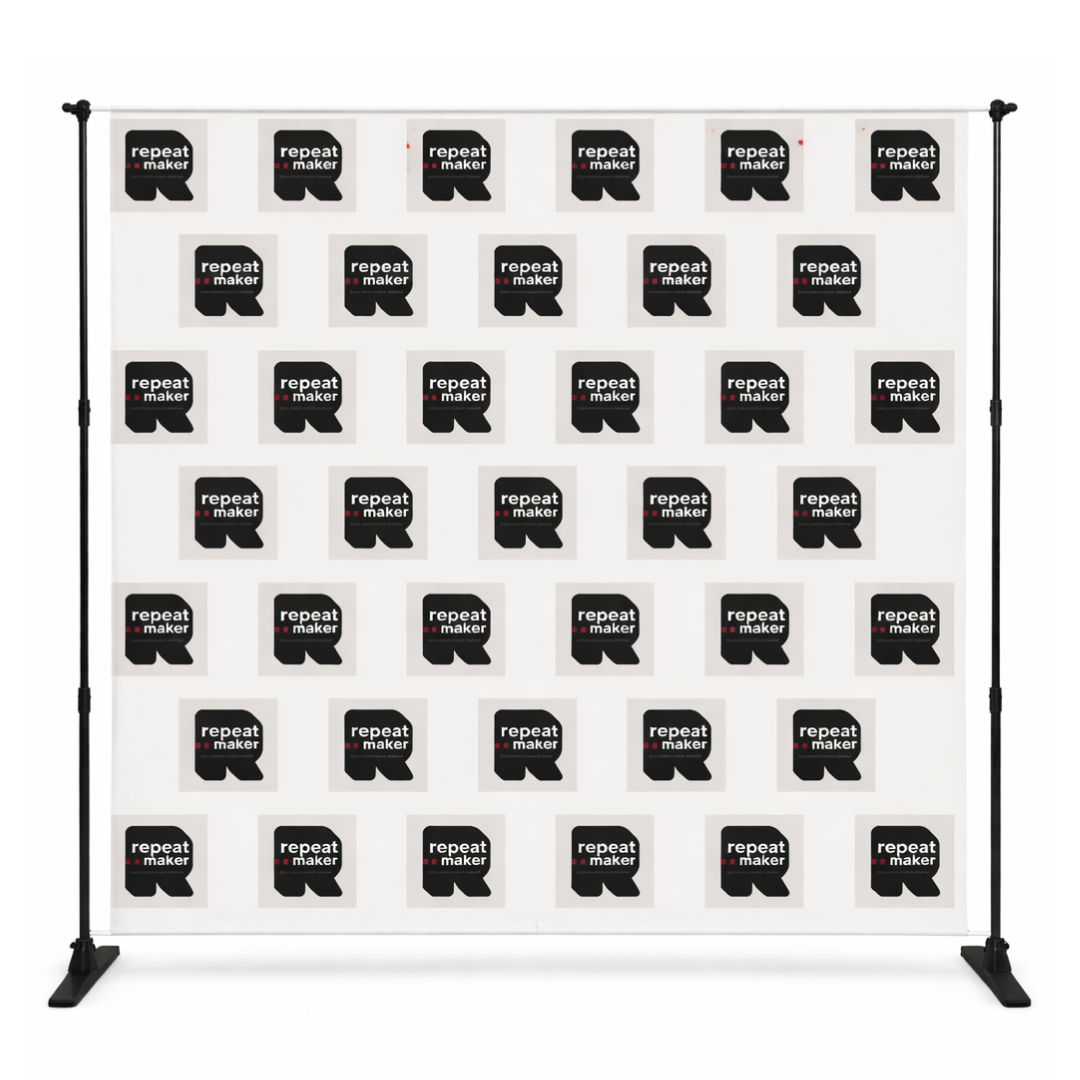
Repeat Maker is an online step and repeat generator that creates repeating logo patterns for
step and repeat banners
and backdrops, as well as sponsor walls, wrapping paper, stickers, labels, and tiled image layouts.
Preview your design instantly and download high-resolution, print-ready files when you're ready.